The Ultimate Guide to the Android Clock Widget in 2025: Master Your Home Screen
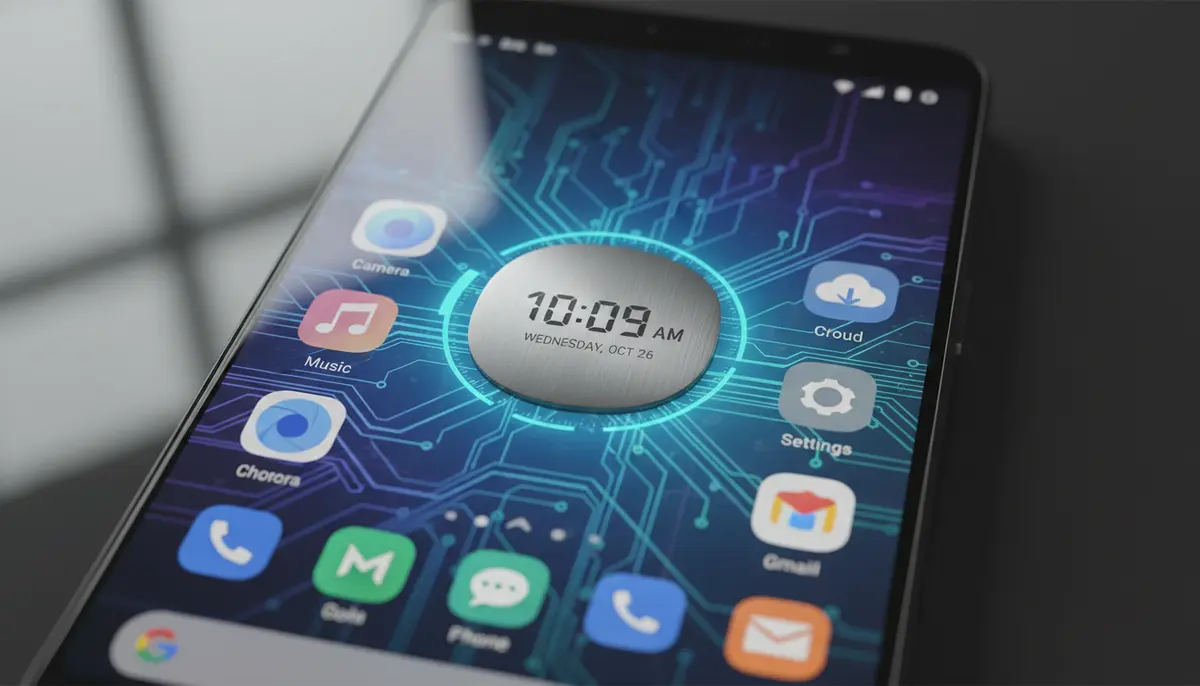
Your Android phone is more than just a communication device. It's a personal hub, a style statement, and a productivity tool. At the heart of this personalized experience often lies the humble yet powerful android clock widget. In 2025, these widgets offer incredible functionality and aesthetic appeal. They do much more than just tell time. They transform your home screen into a dynamic, informative, and beautiful space.
Gone are the days of basic, uninspired clocks. Today's android clock widget options are highly customizable. They integrate with other apps and provide quick access to essential information. This guide will walk you through everything you need to know. You'll learn how to choose, customize, and optimize the perfect clock widget for your Android device.
Why Your Home Screen Needs an Android Clock Widget
A well-chosen android clock widget isn't just about telling time. It significantly enhances your phone's usability and visual appeal. Imagine glancing at your phone and instantly seeing the time, date, and even upcoming appointments. This saves you from opening multiple apps.
Beyond practicality, a clock widget adds a touch of personality. It lets you express your style directly on your home screen. Whether you prefer minimalist designs or elaborate, data-rich displays, there's an android clock widget for you. It truly makes your phone feel uniquely yours.
- Instant Time & Date Access: See crucial information at a glance without unlocking your phone.
- Enhanced Aesthetics: Personalize your home screen with stylish designs, fonts, and colors.
- Improved Productivity: Many widgets offer integrated features like weather, calendar, and alarms.
- Brand Expression: Your phone reflects your personality, and a custom clock widget helps achieve that.
- Quick Information Hub: Some advanced widgets display more than just time, offering a mini dashboard.
Getting Started: How to Add an Android Clock Widget
Adding an android clock widget to your home screen is a straightforward process. It's one of the easiest ways to start personalizing your device. Most Android versions follow a similar method. You don't need to be a tech expert to do this.
First, find an empty space on your home screen. Then, simply long-press on it. This action usually brings up a menu with options like 'Widgets' or 'Add widgets.' For detailed, step-by-step instructions, you can refer to Google's official support page on how to touch and hold a clock widget to add it.
Once you select 'Widgets,' you'll see a list of all available widgets from your installed apps. Scroll through until you find the clock options. There are usually several clock styles to choose from. After selecting your desired android clock widget, drag it to your preferred spot on the home screen. You can often resize it by dragging its edges. This lets you fit it perfectly into your layout.
For a visual walkthrough, check out this helpful video:
. It provides clear instructions. This makes the process even easier to follow.Types of Android Clock Widgets: Finding Your Perfect Timepiece
The world of the android clock widget is incredibly diverse. There are countless designs and functionalities available. Your choice depends on your personal style and what information you need at a glance. Let's explore the most popular types. Each type offers a different way to display time.
Digital Clock Widgets
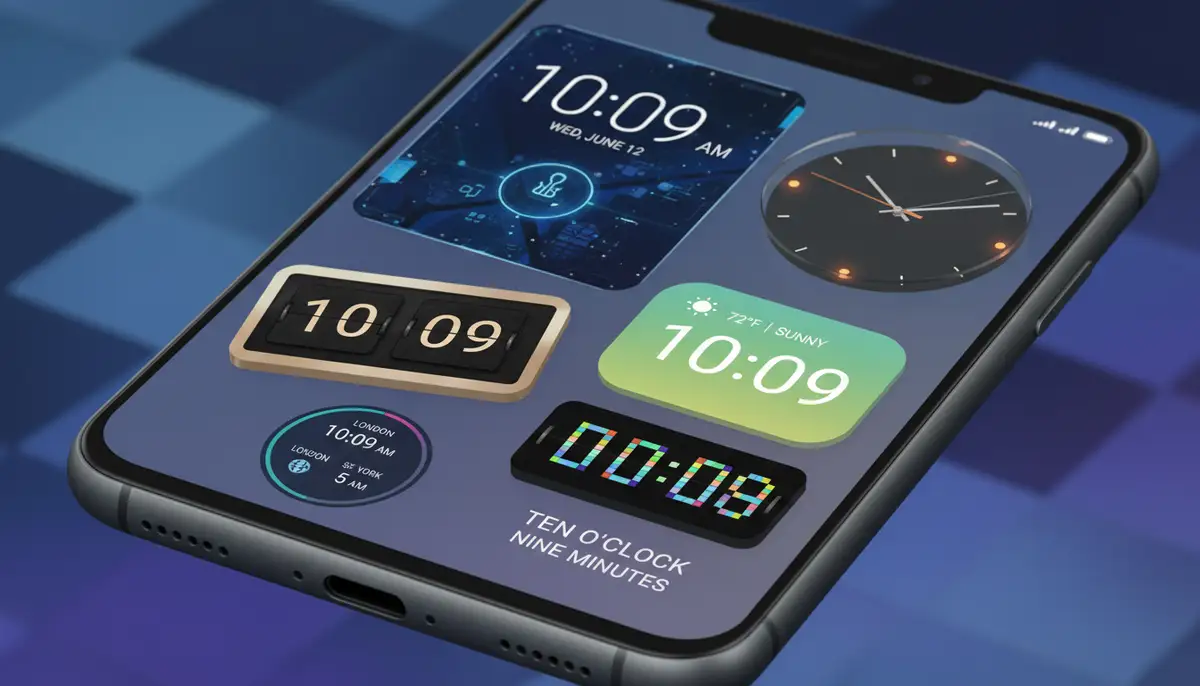
Digital clock widgets are perhaps the most common type. They display time in numerical format, offering clear and precise readability. Many digital widgets also include the date, day of the week, and sometimes even seconds. They are perfect for those who value clarity and a modern aesthetic.
Apps like the Digital clock widget from Maize is a simple, elegant and customizable home screen digital time and date widget for Android. It offers a clean look with various font and color options. This allows you to match it perfectly with your theme. It's a classic choice for a reason.
Analog Clock Widgets
For a more classic and timeless feel, analog clock widgets are an excellent choice. They feature traditional clock faces with hands indicating hours, minutes, and sometimes seconds. Analog widgets often come in various designs, from vintage to sleek modern styles. They can add a touch of sophistication to your home screen. Many users find them visually appealing.
Weather & Clock Combo Widgets
These widgets combine the utility of a clock with real-time weather information. You get the current time, date, and local weather conditions all in one convenient spot. This type of android clock widget is incredibly popular for its efficiency. You can quickly see if you need an umbrella or a jacket before heading out. For more in-depth information on weather widgets, check out our ultimate guide to the Android weather widget.
World Clock Widgets
If you frequently interact with people in different time zones or travel often, a world clock widget is invaluable. These widgets display the time in multiple cities around the globe. You can easily keep track of business hours for international calls or know when to call family abroad. It's a practical solution for a connected world.
Customization is Key: Making Your Android Clock Widget Unique
The true power of an android clock widget lies in its customization options. You can tailor almost every aspect to match your personal preferences and home screen theme. This level of personalization makes your device truly yours. It moves beyond generic factory settings.
Changing Colors and Fonts
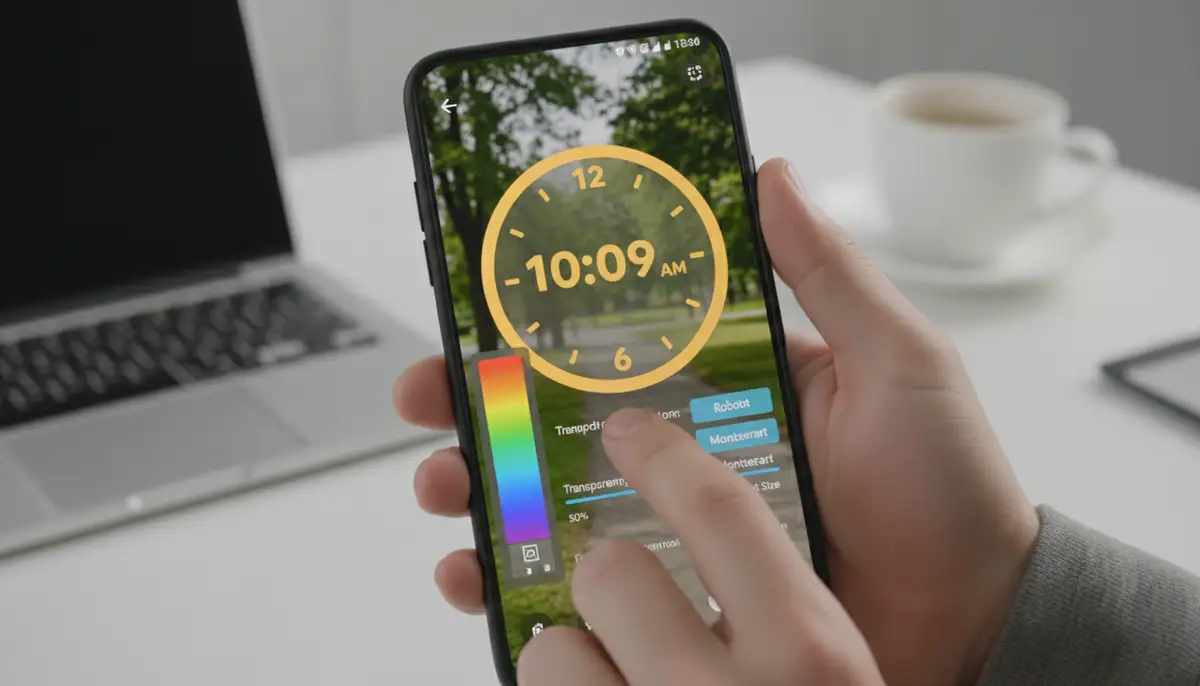
Most high-quality clock widget apps allow you to change the color of the digits or hands. You can also select from a wide range of fonts. Want a bold, futuristic look? Or perhaps a delicate, handwritten style? The choices are vast. Matching your clock to your wallpaper or icon pack creates a cohesive design.
Adjusting Size and Transparency
After placing your android clock widget, you can usually resize it. This helps it fit perfectly into any available space. You can make it large and prominent or small and subtle. Many widgets also offer transparency controls. This allows your wallpaper to show through, creating a seamless look. Experiment with different sizes and transparency levels to find what works best for you.
Adding Backgrounds and Themes
Some advanced android clock widget apps let you apply custom backgrounds or themes. These can range from solid colors to intricate patterns or even your own photos. This feature can dramatically change the look and feel of your home screen. It elevates the aesthetic beyond simple time display. Explore more options for aesthetic widget Android to truly personalize your device.
When it comes to extensive customization, platforms like Widgetopia stand out. They offer a vast collection of over 100,000 free homescreen widgets. You can remix existing designs or create your own unique android clock widget from scratch. This gives you unparalleled control over your phone's appearance. It's a fantastic resource for personalization enthusiasts.
Top Android Clock Widget Apps to Consider in 2025
With so many options available, choosing the right android clock widget can feel overwhelming. Many apps offer unique features and design philosophies. Here's a look at some of the top contenders that are popular in 2025. These apps provide a great starting point for your customization journey.
Many tech reviewers, like those at Pocket-lint, have compiled lists of their favorite Android clock widgets. These lists often highlight apps known for their reliability, design, and customization features. It's always a good idea to check out what experts recommend. This helps you narrow down your choices.
| App Name | Key Feature | Customization Level |
|---|---|---|
| Digital Clock & Weather Widget | Combines time, date, and detailed weather info | High (fonts, colors, backgrounds) |
| Analog Clock Widget Pro | Wide array of classic and modern analog faces | Medium (styles, colors) |
| Flip Clock: World Clock | Stylish flip animation, multiple time zones | Medium (themes, cities) |
| Transparent Clock & Weather | Highly customizable weather and clock combo | Very High (transparency, icons, layouts) |
| Widgetopia | 100,000+ widgets, design your own | Extreme (full design editor) |
Advanced Features of the Modern Android Clock Widget
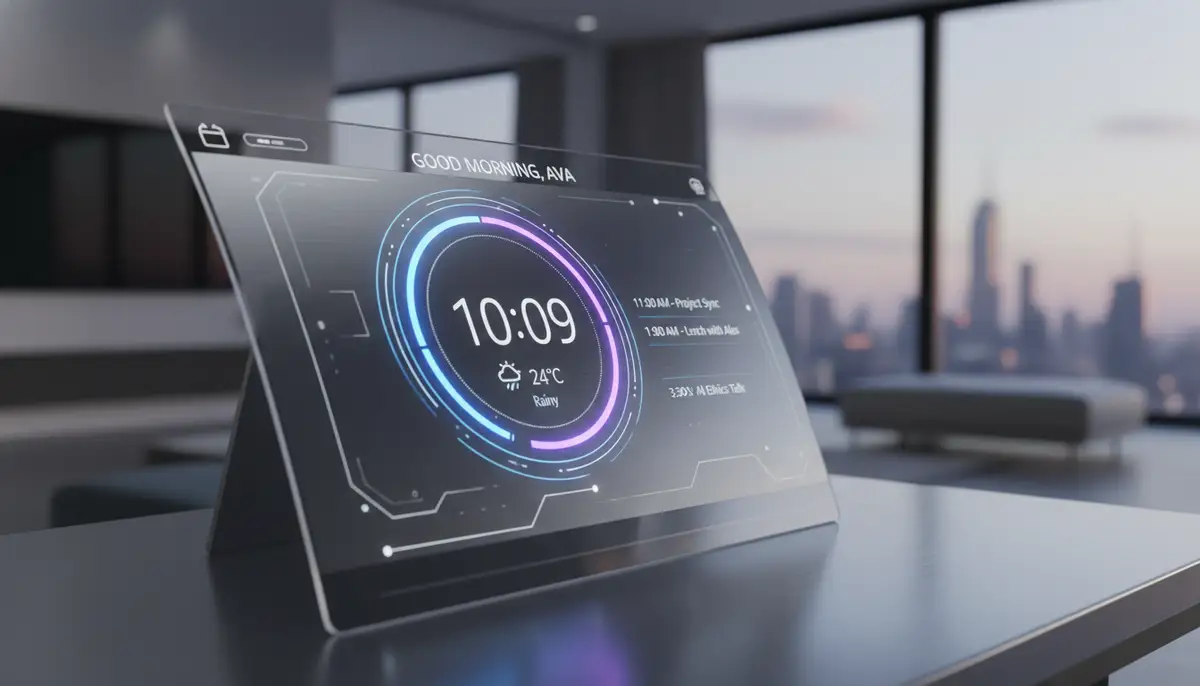
Today's android clock widget goes far beyond simply displaying the time. Developers are constantly innovating. They add features that integrate with your daily life. These advanced capabilities make your home screen even more powerful. They turn your clock into a mini-dashboard.
Integrating with Calendars and Alarms
Many modern clock widgets can pull data from your calendar and alarm apps. This means your android clock widget can show your next appointment or upcoming alarm. You get a quick overview of your schedule without opening the calendar app. This seamless integration saves you valuable time throughout your day.
Battery and System Info Display
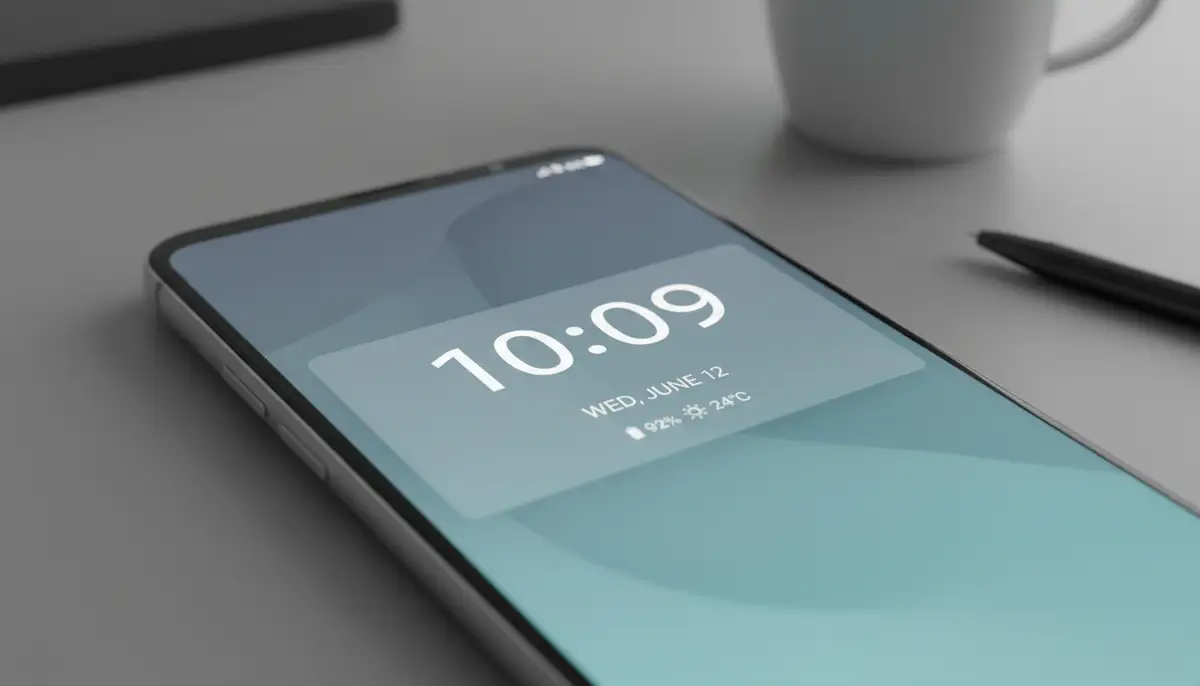
Some advanced clock widgets can display useful system information. This includes battery percentage, RAM usage, or even storage space. Having this data visible on your home screen helps you monitor your phone's health. It allows you to take action if your battery is low or storage is running out. This makes your android clock widget a practical system monitor.
Interactive Elements
Certain clock widgets offer interactive elements. Tapping on the time might open your alarm app. Tapping on the weather might launch a detailed forecast. These interactive features add another layer of functionality. They make your home screen more dynamic and responsive to your needs. An interactive android clock widget truly enhances user experience.
Optimizing Your Android Clock Widget for Performance and Battery Life
While an android clock widget adds great value, it's important to ensure it doesn't negatively impact your phone's performance or battery life. With a few simple tips, you can enjoy beautiful and functional widgets without compromise. Balance is key to a smooth experience. You want a widget that works for you, not against you.
Choosing Lightweight Widgets
Some widgets are more resource-intensive than others. Widgets with complex animations, frequent updates, or extensive data pulling can consume more battery. Opt for widgets that are known for being lightweight and efficient. Read reviews and check app descriptions for mentions of performance. A simple android clock widget often performs best.
Managing Background Activity
Android allows you to manage background activity for individual apps. If you notice a particular clock widget is draining your battery, check its app settings. You might be able to restrict its background data usage or refresh rate. This can significantly improve battery life. This control ensures your android clock widget doesn't become a power hog.
Regular Updates
Keep your widget apps updated. Developers frequently release updates that include performance improvements and bug fixes. An outdated app might run less efficiently. Ensure your apps are set to auto-update or manually check for updates regularly. This keeps your android clock widget running smoothly. It also ensures you have the latest features.
Troubleshooting Common Android Clock Widget Issues
Even with the best widgets, you might occasionally encounter issues. Don't worry, most problems with an android clock widget are easy to fix. Knowing some basic troubleshooting steps can save you a lot of frustration. Here are solutions to common widget problems.
Widget Not Appearing
If your widget isn't showing up after installation, first check if the app has all necessary permissions. Sometimes, a simple phone restart can resolve the issue. You can also try removing and re-adding the android clock widget to your home screen. Ensure you have enough space on the home screen for the widget. Sometimes, a full cache clear for the app can help.
Widget Freezing or Lagging
A freezing or lagging widget can be annoying. This often happens if the app has a bug or is consuming too many resources. Try clearing the app's cache and data (Settings > Apps > [Widget App] > Storage > Clear Cache/Data). If the problem persists, try uninstalling and reinstalling the app. Consider trying an alternative android clock widget if the issue continues.
Time Sync Problems
If your clock widget is showing the wrong time, check your phone's date and time settings. Ensure 'Automatic date and time' and 'Automatic time zone' are enabled. These settings synchronize your phone's clock with network providers. This usually resolves any time discrepancies. If not, try manually setting the time and then switching back to automatic. This can reset the sync for your android clock widget.
The Future of the Android Clock Widget: Trends to Watch
The evolution of the android clock widget is far from over. As Android itself becomes more sophisticated, so do the possibilities for home screen customization. We can expect even more intelligent, dynamic, and integrated widgets in the coming years. The future promises exciting advancements for your home screen.
AI-Powered Personalization
Imagine an android clock widget that learns your habits. It could display relevant information based on the time of day or your location. For example, it might show your commute time in the morning or a dinner reservation in the evening. AI will make widgets truly smart and anticipatory. This will create a hyper-personalized experience.
Deeper System Integration
Expect even tighter integration with core Android functionalities and other apps. Widgets might offer more direct controls for smart home devices, media playback, or quick access to specific app features. This will make your android clock widget a central command center. It will streamline your digital interactions.
Enhanced Dynamic Themes
Widgets will likely become even more dynamic, adapting their appearance based on factors like weather, time of day, or even your phone's battery level. This creates a living, breathing home screen that constantly evolves with your environment. Companies like Aesthetic Widgets, photowidget.net, and colorwidgets.app are pushing boundaries in this space. They are driving innovation in the android clock widget market. They are constantly exploring new ways to make widgets more interactive and visually stunning.
Conclusion: Elevate Your Android Experience with the Perfect Clock Widget
The android clock widget is a small but mighty tool for personalizing your Android device. It offers a blend of functionality, aesthetics, and convenience that can truly transform your daily phone interactions. By understanding the different types, mastering customization, and optimizing for performance, you can create a home screen that is both beautiful and incredibly efficient.
Whether you prefer a minimalist digital display or a feature-rich analog face, there's an android clock widget out there for you. Take the time to explore the options, experiment with different designs, and make your phone truly reflect your style and needs. A well-chosen clock widget is more than just a time-teller; it's a statement. Ready to transform your device? Explore more home screen widgets and discover the possibilities.