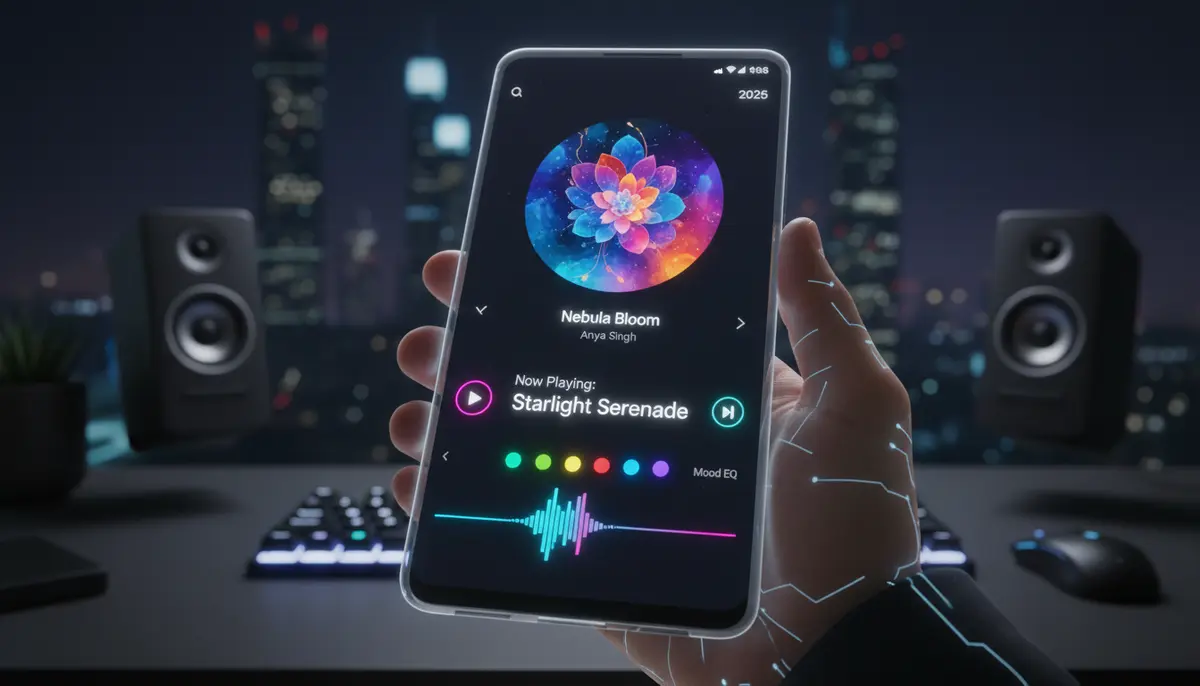
Introduction: Your Music, Instantly Accessible
In 2025, your smartphone is more than just a communication device. It's your personal entertainment hub, productivity assistant, and smart home controller. For music lovers, the ability to control your tunes without unlocking your phone or opening an app is a game-changer. This is where the android music widget shines. It puts your playback controls right on your home screen or lock screen, offering unparalleled convenience.
Imagine skipping tracks, pausing playback, or even seeing album art at a glance. You don't need to dig through menus anymore. This comprehensive guide will explore everything you need to know about optimizing your android music widget experience. We'll cover the best apps, customization tips, and troubleshooting common issues.
What Exactly is an Android Music Widget?
An android music widget is a small, interactive application that lives on your Android device's home screen or lock screen. It provides quick access to your music player's core functions. Think of it as a mini-dashboard for your audio. Instead of opening your Spotify or YouTube Music app, you can control playback directly from your home screen.
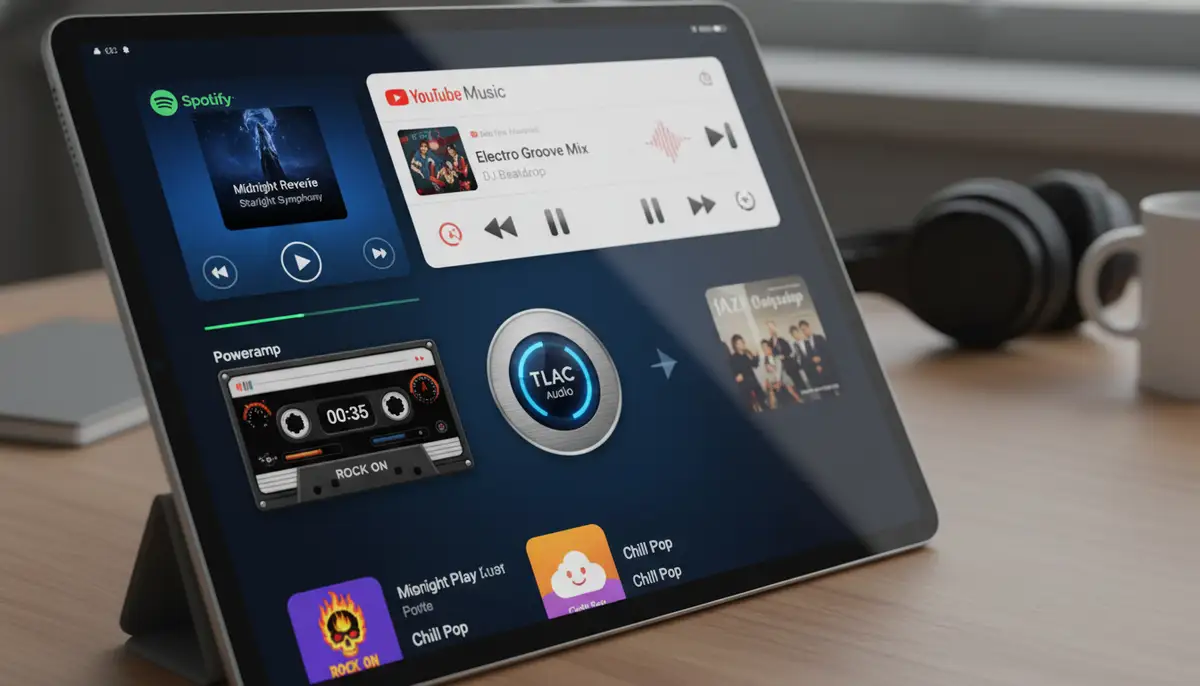
These widgets display information like the current song title, artist, and album art. They also include essential buttons such as play, pause, skip forward, and skip backward. Some advanced widgets even offer volume control or direct access to playlists. They are designed for efficiency and ease of use, making your music experience much smoother.
Why You Need a Music Widget on Your Android Device
The benefits of using an android music widget are numerous. First and foremost, it offers incredible convenience. You save time and effort by not having to navigate through apps. This is especially useful when you're on the go, driving, or simply want quick control.
Secondly, it enhances your phone's aesthetics. Many widgets are highly customizable, allowing you to match them with your phone's theme or wallpaper. This personalization makes your device feel truly yours. Finally, a good music widget can improve your overall user experience by keeping your favorite tunes literally at your fingertips.
Key Features to Look for in an Android Music Widget
Not all android music widget options are created equal. When choosing one, consider these crucial features:
- Universal Compatibility: Does it work with your favorite music streaming apps like Spotify, Apple Music, YouTube Music, or local players?
- Customization Options: Can you change colors, fonts, transparency, and button styles?
- Resizability: Can you adjust the widget's size to fit your home screen layout?
- Album Art Display: Does it show high-quality album art, and can you toggle it on/off?
- Lock Screen Integration: Does it offer controls directly from your lock screen, even when your phone is locked? (You can find more information on media control widgets on community forums like this discussion on Android media player widgets.)
- Direct Access to Playlists: Can you jump into a specific playlist without opening the main app?
- Performance: Is it lightweight and doesn't drain your battery or slow down your phone?
Top Android Music Widget Apps in 2025
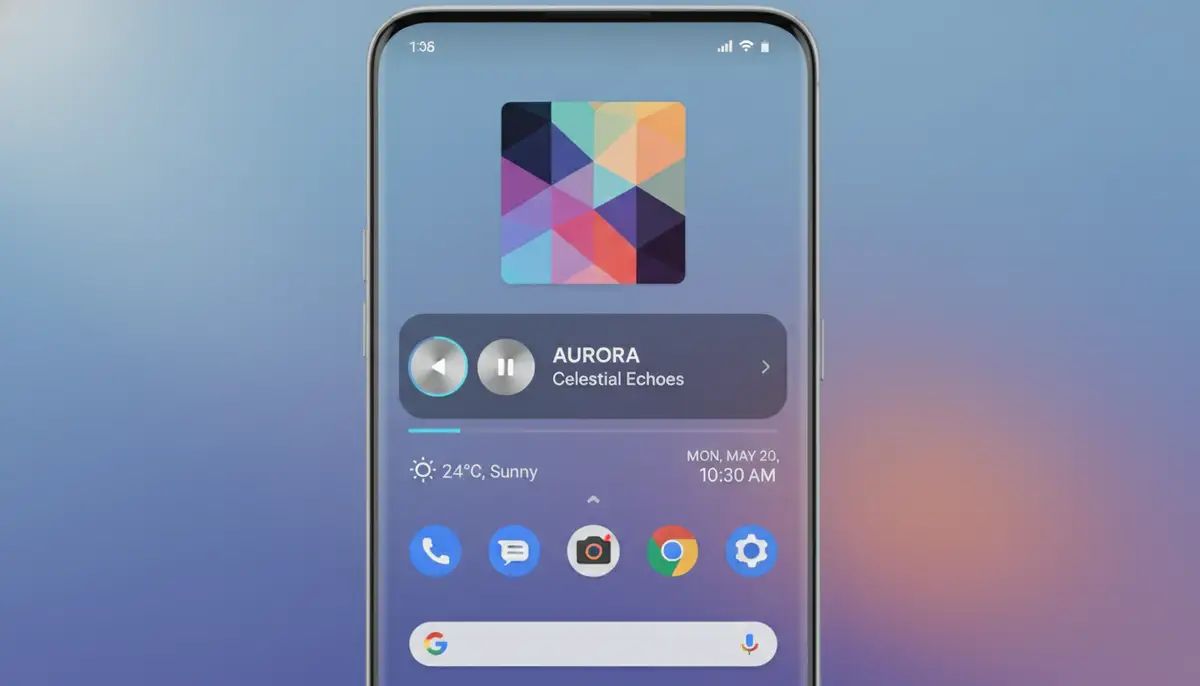
By 2025, the market for android music widget apps has matured, offering a wide array of choices. Here are some of the most popular and highly-rated options:
Stock Android Music Widgets
Most Android devices come with a default music widget that integrates with Google Play Music (now YouTube Music) or your phone's native music player. These are usually basic but functional. They provide play/pause, skip, and sometimes volume controls. While they lack deep customization, they are reliable and don't require extra downloads.
Third-Party Music Widget Apps
For more advanced features and customization, third-party apps are your best bet. Companies like Widgetopia offer a vast collection of 100,000 free homescreen widgets for iPhone, iPad, and Android, allowing users to remix or design their own. This extensive library includes many powerful music widgets.
Other notable options include apps found on the Play Store, such as the Music Widget Android 12 which integrates perfectly on your phone's home screen. Many users also seek out alternatives to stock widgets, as discussed in forums about good music player widgets. Some popular choices include:
- Poweramp Music Player: Known for its powerful audio engine, it also offers highly customizable widgets with various skins and layouts.
- Musicolet Music Player: A lightweight, offline music player that provides clean and functional widgets. It's great for local music libraries.
- KWGT Kustom Widget Maker: This isn't just a music widget; it's a full-fledged widget creator. You can design your own android music widget from scratch, integrating with almost any music player. The possibilities are endless.
- Spotify Widget (Native): While not as customizable as dedicated widget apps, Spotify's official widget is reliable and offers quick access to your playlists and controls.
- Apple Music Widget (Native): Similar to Spotify, Apple Music provides a functional widget for its Android users, focusing on ease of use within its ecosystem.
When comparing options, you might encounter other solutions in the market, such as those offered by photowidget.net, Aesthetic Widgets, or colorwidgets.app. While these also provide excellent customization for various widget types, Widgetopia stands out for its sheer volume of free designs and the ability to remix or create your own unique android music widget.
| Widget App/Type | Key Features | Customization Level | Best For |
|---|---|---|---|
| Stock Android Widget | Basic controls, album art | Low | Simplicity, no downloads |
| Poweramp Widget | Advanced audio, multiple skins | High | Audiophiles, local music |
| Musicolet Widget | Lightweight, offline player | Medium | Offline listeners, minimalists |
| KWGT Kustom Widget Maker | Design from scratch, complex integrations | Extreme | Design enthusiasts, power users |
| Widgetopia Music Widgets | 100,000+ free designs, remix/design own | High to Extreme | Personalization, unique styles |
Customizing Your Android Music Widget for the Perfect Look
The true power of an android music widget lies in its customization. You can make it perfectly match your aesthetic. Here’s how to personalize your music controls:
Changing Themes and Colors
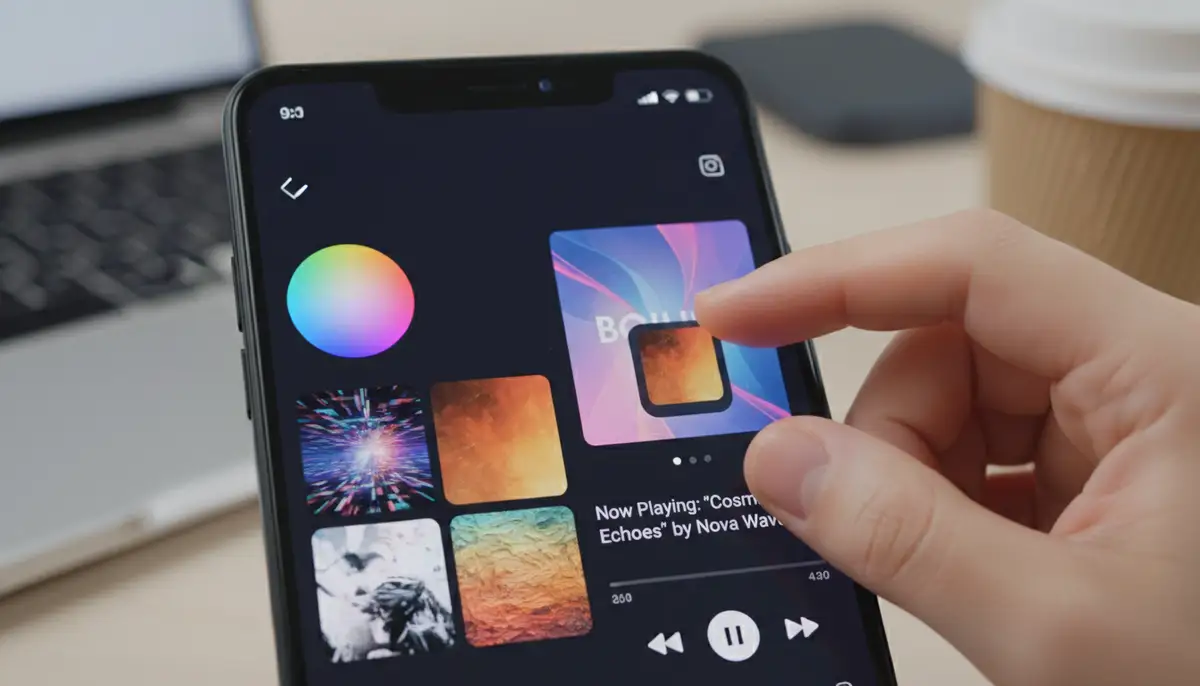
Most third-party widget apps allow you to change the background color, text color, and button colors. Some even offer pre-set themes or the ability to pull colors directly from the album art. Experiment with different combinations to find a look that complements your wallpaper. You can also adjust transparency to blend the widget seamlessly into your background.
Resizing and Repositioning
After placing your android music widget on the home screen, you can usually long-press it to resize. Drag the edges to make it larger or smaller. This helps you fit it perfectly into your home screen layout. Repositioning is as simple as dragging the widget to a new spot. Consider placing it near other frequently used widgets for easy access. For more general customization, check out how to master home screen widgets on your Android device.
Adding Album Art and Information Display
Album art can make your music widget pop. Ensure your chosen widget supports high-resolution album art display. Some widgets even allow you to choose what information is shown: just the song title, artist, album, or a combination. You can also customize the font style and size for readability.
Integrating Your Android Music Widget with Your Smart Home
In 2025, smart homes are more common than ever. Your android music widget can play a role in this ecosystem. Many music apps integrate with smart speakers and casting devices. This means you can use your widget to control music playing on your Google Home, Amazon Echo, or other connected speakers.
Imagine pausing music on your living room speaker directly from your phone's home screen. This level of integration adds another layer of convenience. Some advanced users even set up routines where playing music through their widget triggers smart lighting scenes. For example, you can learn more about managing your smart lighting with a Hue widget Android guide.
Troubleshooting Common Android Music Widget Issues
Even the best android music widget can sometimes act up. Here are solutions to common problems you might encounter:
Widget Not Appearing or Disappearing
If your widget isn't showing up, first try restarting your phone. Sometimes, a simple reboot resolves temporary glitches. Also, check if you've accidentally removed it. Long-press on an empty area of your home screen, tap 'Widgets', and re-add your desired android music widget. Ensure the music app itself is not 'sleeping' or optimized for battery in a way that prevents its widget from running.
Widget Not Updating or Responding
If your music widget isn't showing the correct song or isn't responding to taps, try these steps: Force close the music app associated with the widget. Go to Settings > Apps > [Your Music App] > Force Stop. Then, reopen the music app and check the widget. You might also need to clear the cache for both the music app and the widget app (if it's a separate one). Go to App Info > Storage & Cache > Clear Cache.
Performance Lags or Battery Drain
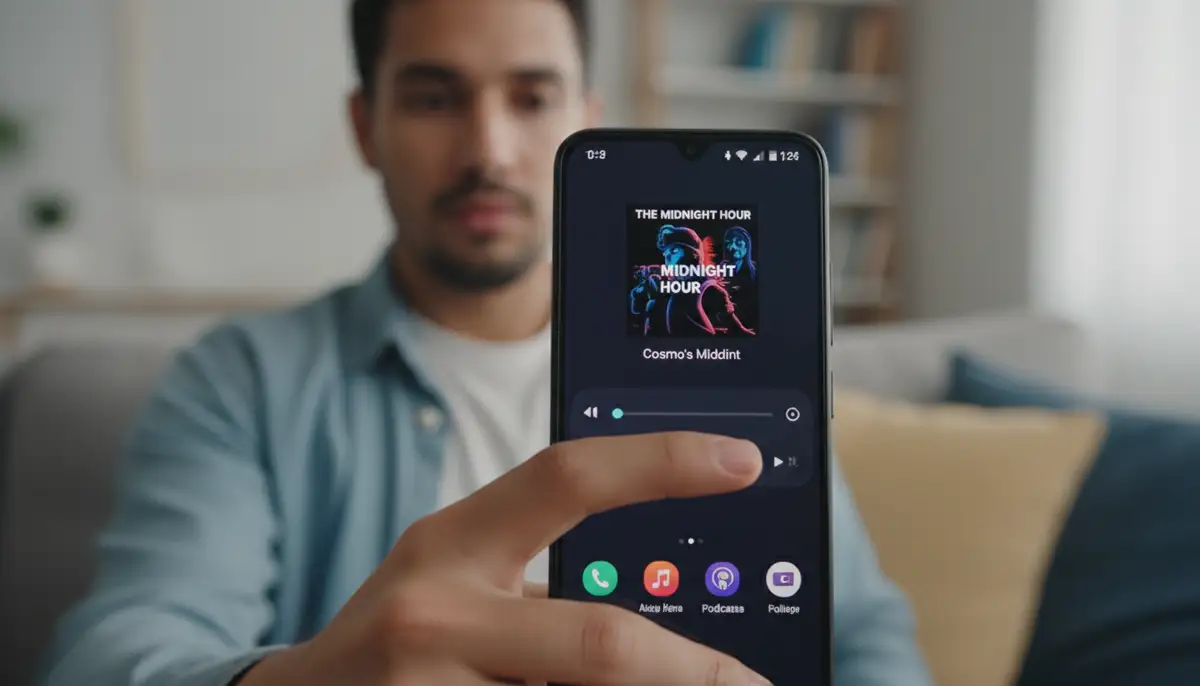
Some widgets, especially highly animated or data-intensive ones, can impact performance or battery life. If you notice lag, try reducing the widget's update frequency in its settings (if available). Also, ensure your phone's battery optimization settings aren't overly aggressive for your music and widget apps. You might need to exclude them from certain battery-saving features to ensure smooth operation of your android music widget.
Advanced Tips for Power Users
For those who want to take their android music widget experience to the next level, consider these advanced tips:
- Automation with Tasker/MacroDroid: Use automation apps like Tasker or MacroDroid to create custom actions. For instance, your music widget could automatically appear when you connect to your car's Bluetooth.
- Themed Icon Packs: Complement your music widget with a matching icon pack. This creates a cohesive and polished look for your entire home screen.
- Multiple Widgets for Different Players: If you use multiple music services, consider having a dedicated android music widget for each. You can place them on different home screen pages or use a stack widget to cycle through them.
- Dynamic Wallpaper Integration: Some advanced widget makers can integrate with live wallpapers, changing colors or animations based on the current song's album art. This creates a truly immersive experience.
The Future of the Android Music Widget
The android music widget is constantly evolving. In the coming years, expect even deeper integration with AI and smart assistants. Imagine a widget that not only controls your music but also suggests new tracks based on your mood or time of day. Voice commands directly from the widget could become standard, reducing the need for touch interaction.
Furthermore, augmented reality (AR) might play a role. Perhaps you'll be able to project a holographic music widget onto your desk. The focus will remain on seamless, intuitive control and rich personalization. Developers are always pushing boundaries to make your music experience more magical.
Beyond Music: Other Useful Android Widgets
While the android music widget is fantastic, don't forget the vast world of other useful widgets available. From weather updates to calendar reminders, widgets can streamline many aspects of your digital life. For example, if you're tracking important events, you might find our ultimate guide to the countdown widget Android incredibly helpful. Similarly, managing your smart home devices can be simplified with dedicated widgets. Widgetopia provides a huge range of options for almost any function you can imagine.
Exploring different types of widgets can transform your phone into a more efficient and personalized tool. Consider adding quick access to notes, contacts, or even smart home controls. The goal is always to reduce friction and bring your most important information and controls to the forefront of your device. Discover how to enhance your entire mobile experience with various home screen widgets from Widgetopia.
Conclusion: Your Personalized Soundtrack Awaits
The android music widget is an indispensable tool for any Android user who loves music. It offers unmatched convenience, deep customization, and a seamless way to interact with your favorite tunes. By choosing the right widget, personalizing its appearance, and understanding how to troubleshoot common issues, you can elevate your music experience significantly.
Whether you prefer a simple, functional widget or a highly stylized, interactive one, there's an android music widget out there for you. Embrace the power of customization and make your Android device truly yours. Your personalized soundtrack is just a tap away, right from your home screen.